
Submit a request


Thank you! Your submission has been received!
Oops! Something went wrong while submitting the form.
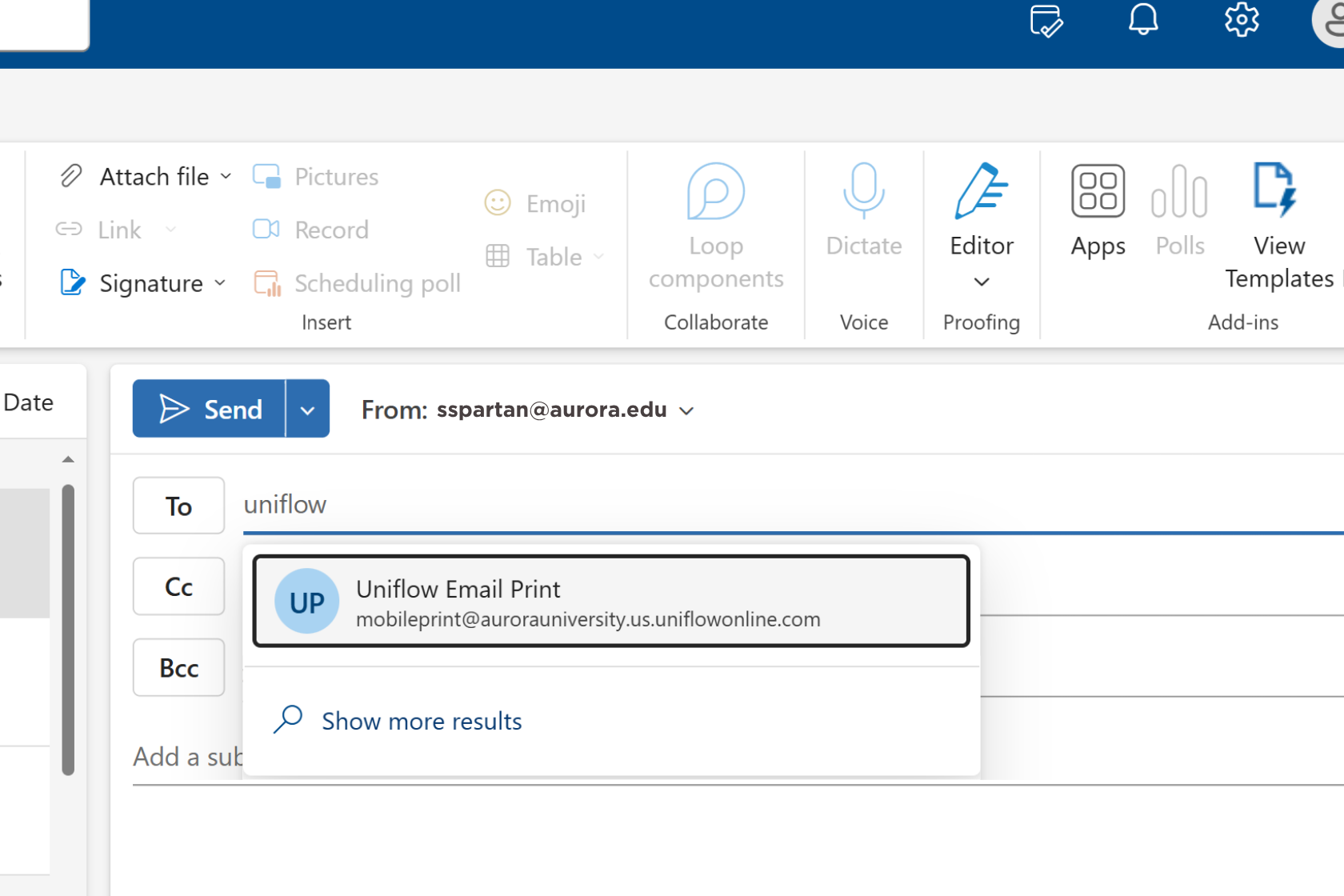
Printing from a personal device has changed and now uses a new email address, following the upgrade to cloud-based uniFLOW printing. In Outlook, begin typing "Uniflow" in the To field and select "Uniflow Email Print" from the dropdown, which fills in mobileprint@aurorauniversity.us.uniflowonline.com. Attach your document and send the email.
Printing from computer labs and other campus computers works the same way it did before. For both personal devices and campus computers, signing in at the printer or swiping your AU ID card brings up your print queue, along with options to scan and copy.